
Understanding WCAG: A Guide to Web Accessibility
In the digital age, it's easy to assume that all users interact with the internet in the same way. However, there are millions of users with varying abilities who require different means to access web content effectively. These include individuals with visual impairments, such as those who are blind or have low vision, people with hearing impairments, those with physical disabilities affecting mobility, and individuals with cognitive or neurological challenges. The internet should be a resource that is accessible to everyone, regardless of their abilities. This is where the Web Content Accessibility Guidelines (WCAG) come into play, providing essential standards to ensure inclusivity in web design.
What is WCAG?
WCAG, or Web Content Accessibility Guidelines, are a set of guidelines developed by the World Wide Web Consortium (W3C) to make web content more accessible to people with disabilities. These guidelines are designed to address the needs of a wide range of disabilities, including visual, auditory, physical, speech, cognitive, language, learning, and neurological disabilities. The latest version, WCAG 2.1, builds upon previous versions to include new success criteria that address mobile accessibility and low vision.
Who Does WCAG Aim to Help?
WCAG aims to help a diverse group of users, including:
- Visually Impaired Users: Those who are blind or have low vision can benefit from screen readers and other assistive technologies.
- Hearing Impaired Users: People who are deaf or hard of hearing benefit from captioning and transcripts for audio content.
- Motor Impaired Users: Users with limited motor skills can use keyboard navigation and alternative input devices.
- Cognitive and Neurological Impairments: Individuals with cognitive disabilities can benefit from clear, simple content and consistent navigation.
How is WCAG Implemented?
Implementing WCAG involves adhering to four main principles, known as POUR: Perceivable, Operable, Understandable, and Robust.
- Perceivable: Information and user interface components must be presentable to users in ways they can perceive. This includes providing text alternatives for non-text content and ensuring that content can be presented in different ways without losing meaning.
- Operable: User interface components and navigation must be operable. This means making all functionality available from a keyboard and providing users enough time to read and use content.
- Understandable: Information and the operation of the user interface must be understandable. This involves making text readable and predictable and providing input assistance.
- Robust: Content must be robust enough to be interpreted reliably by a wide variety of user agents, including assistive technologies. This means ensuring compatibility with current and future tools.
Key Elements to Improve Website Accessibility
To improve a website's accessibility, focus on the following key elements:
- Alternative Text for Images: Provide descriptive alt text for all images to ensure screen readers can convey the content to visually impaired users.
- Keyboard Navigation: Ensure that all website functionality is accessible via keyboard-only navigation.
- Readable Text: se clear and simple language, and offer tools for adjusting text size and contrast.
- Video and Audio Content: Provide captions and transcripts for all multimedia content.
- Consistent Navigation: Maintain a consistent layout and navigation structure throughout the site.
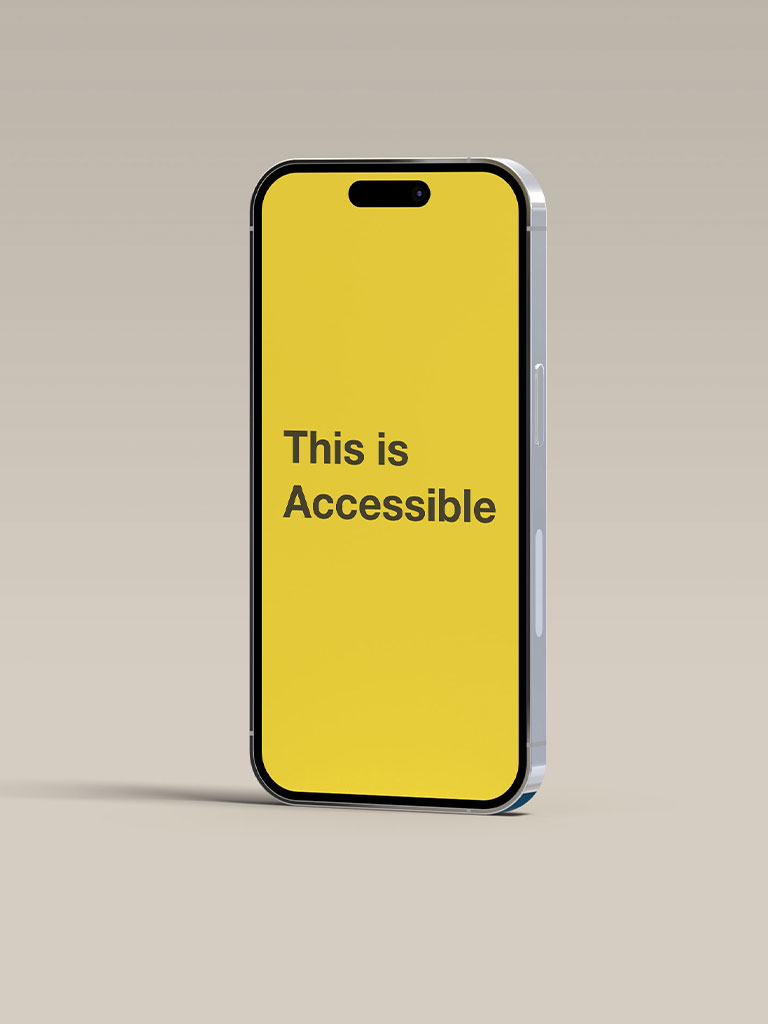
- Colour Contrast: Ensure sufficient contrast between text and background to make content readable for users with visual impairments.

How to Test Website Accessibility
Testing your website for accessibility involves several strategies and tools:
- Automated Tools: Use automated testing tools like WAVE, Axe, or Lighthouse to scan your website for accessibility issues. These tools can quickly identify many common problems.
- Manual Testing: Conduct manual testing by navigating your website using only a keyboard. Ensure all interactive elements are accessible and operable without a mouse.
- Screen Reader Testing: Test your site using a screen reader (such as NVDA or JAWS) to experience how it will be perceived by visually impaired users.
- User Testing: Engage real users with disabilities to test your website and provide feedback on their experience.
Additional Resources and Information
To further enhance your understanding and implementation of WCAG, consider the following resources:
- W3C's Official WCAG Website: Provides comprehensive details on guidelines and success criteria.
- WebAIM (Web Accessibility In Mind): Offers articles, tools, and resources to improve web accessibility.
- Government and Industry Standards: Familiarise yourself with legal requirements and standards that may apply to your region or industry.
Conclusion
Implementing WCAG is essential for creating an inclusive web environment that serves all users. By focusing on the key principles and elements outlined above, you can ensure that your website is accessible to a wide range of users, including those with disabilities. Regular testing and updates are crucial to maintaining accessibility and compliance with evolving standards.
For more information and guidance, visit the official WCAG website.
By prioritising accessibility, you not only enhance the user experience but also expand your audience reach and ensure compliance with accessibility standards and regulations.
Frequently Asked Questions
How often should I publish new blog posts or content?
Publishing one to two high-quality pieces per week is a reliable starting point for most businesses. Consistency signals to search engines that your site is active and authoritative, which supports long-term ranking improvements.
What makes a piece of content rank well on Google?
Google rewards content that genuinely answers a user's search intent. This means clear structure, accurate information, original insights, and content that covers a topic thoroughly. Technical factors like page speed and mobile optimisation also play a role.
How long should a blog post be for SEO?
There is no single ideal length, but longer, comprehensive posts of 1,000 to 2,000 words tend to perform well for competitive topics. What matters most is covering the topic fully and satisfying what the reader came to find.
Can I repurpose existing content to save time?
Yes — repurposing content is a smart way to extend its value. A blog post can become a social media series, an email newsletter, an infographic, or a short video. Each format reaches a different segment of your audience.